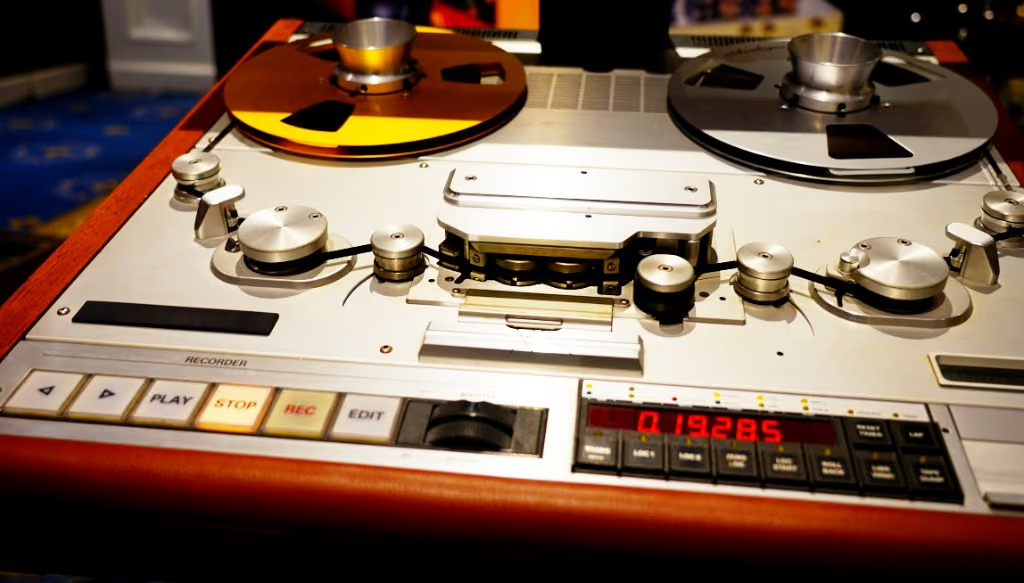
Digital recording is clean, precise, and endlessly flexible. It is also why a lot of modern music sounds harsh, brittle, and fatiguing — great on first listen, tiring after ten minutes. The older fix still works: analog tape.
Why modern productions sound harsh
A few things stack to make all-digital mixes edgy:
- Brittle high frequencies — digital captures and reproduces the top end perfectly, including the parts that wear you out.
- Razor-sharp transients — clicks, picks, and consonants hit with a hard edge.
- Intersample peaks and loud-master habits — pushing for loudness exaggerates the harshness.
- Sterile, perfectly linear summing — elements sit beside each other instead of melting together.
What analog tape does about it
Tape has limits, and those limits line up with what the ear likes:
Smoother highs
Tape’s natural high-frequency roll-off shaves the brittle top end and softens edge while the mix still breathes. It is subtractive in a way an EQ cut rarely feels.
Softer transients
The medium rounds the hardest peaks slightly, so transients land with weight. Drums and plucked instruments feel punchy rather than spiky.
Pleasing harmonics
The harmonics tape adds are largely musical. They cover harshness with warmth and add a richness that makes the sound feel fuller — why saturated material can seem “bigger” at the same level.
Glue from gentle compression
Tape’s soft, program-dependent compression pulls elements together so a mix sounds like one performance.
Hear it before you read more
Skip the theory for a minute — download the plugins, or compare before/after samples.
Using tape inside a digital workflow
Keep the convenience of your DAW and add tape where it helps:
- On the mix bus / master — a quiet pass to smooth the top, add glue, and ease the digital edge.
- On individual tracks — tame a harsh vocal, soften bright acoustic guitars, or warm up sterile virtual instruments.
- On stems — print tape to a drum or vocal bus before you keep mixing.
Start quiet. You want the mix easier to turn up and leave on — warmth and glue, with the distortion still in the background.
Try it on your harshest mix
Pick the track that fatigues your ears the fastest and put Tape Machine on the bus, or run it through Studio if you want a browser print. Use a level-matched A/B so you hear the tone change.
Next step
Download the plugin pack. Open Studio or Mastering when you want a browser print or a streaming bounce.