Put a reel-to-reel in your DAW.
For free.
One installer puts the whole pack in your DAW. Each plugin takes its tape from Tape Machine and is built for one job.
What’s in the pack
Every plugin is free. Each card shows what a one-time Expansion adds.
Free controls and Expansion controls for each Tape DSP plugin
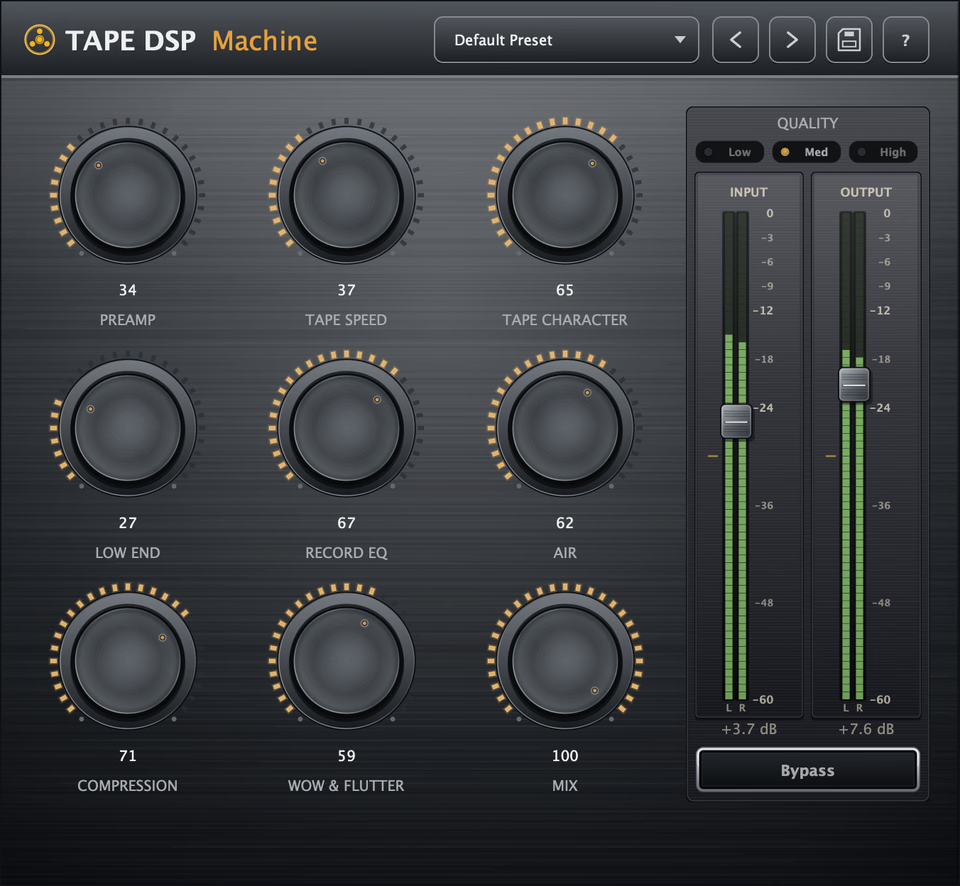
Tape Machine brings the weight, movement and soft compression of a reel-to-reel to any track. Keep it subtle for density, or push it until the tape becomes part of the sound.
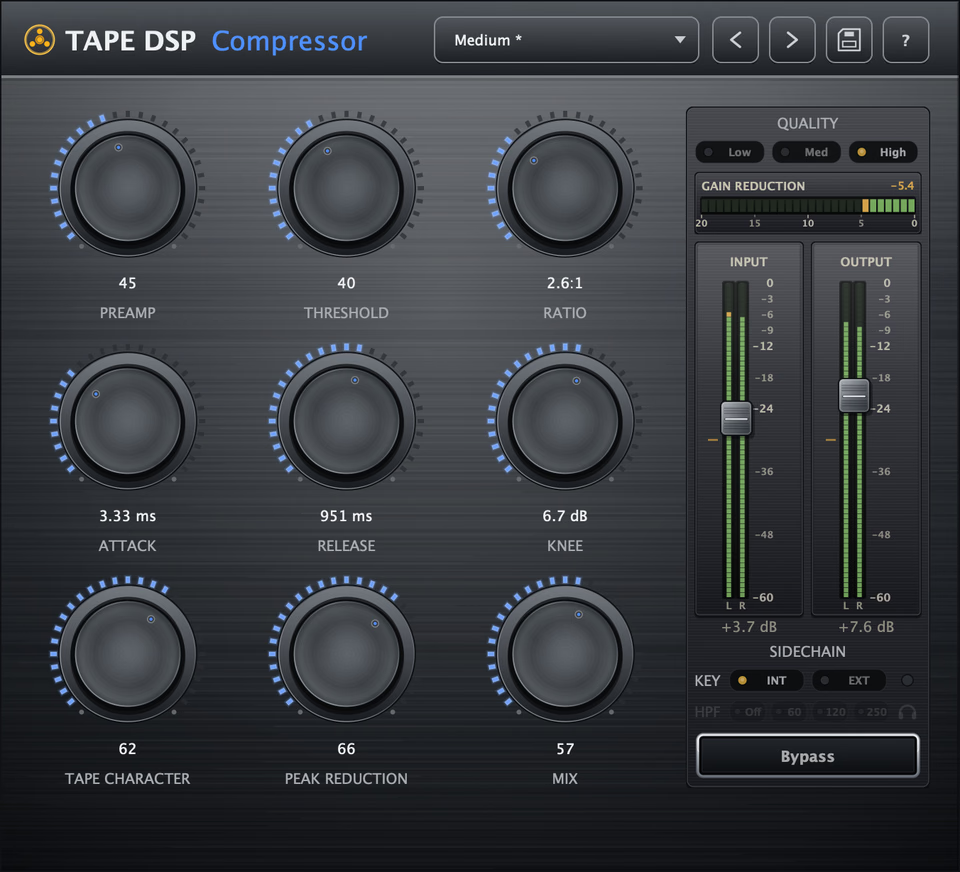
A smooth opto compressor over tape. It holds a vocal steady, pulls a bass forward and glues a bus.
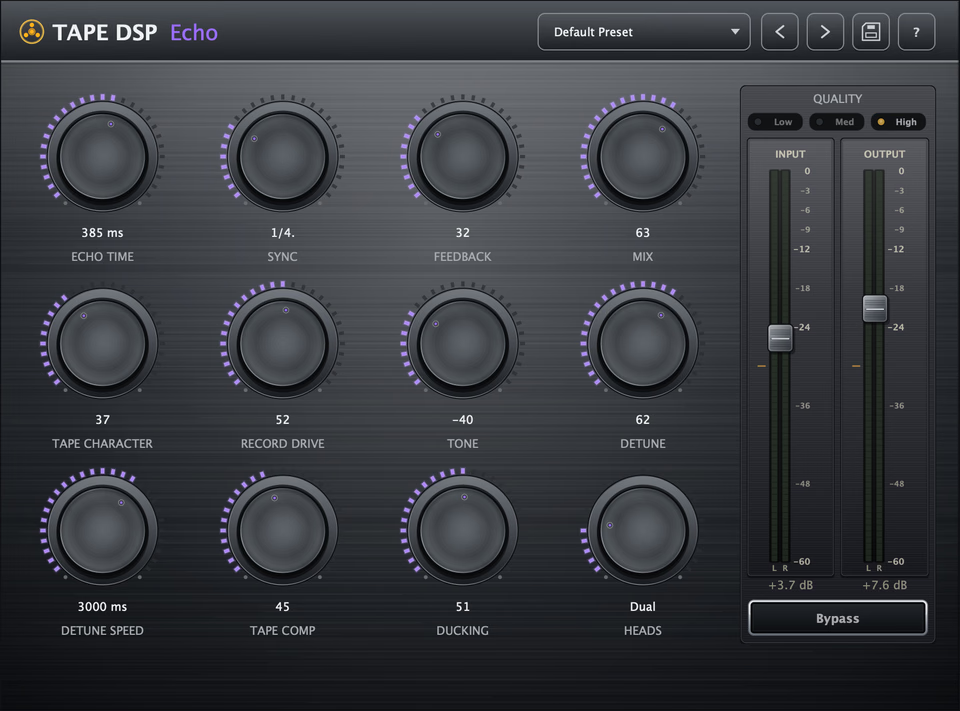
Every repeat runs back through tape, so the trail comes back darker, denser and a little unstable. Slapback to dub.
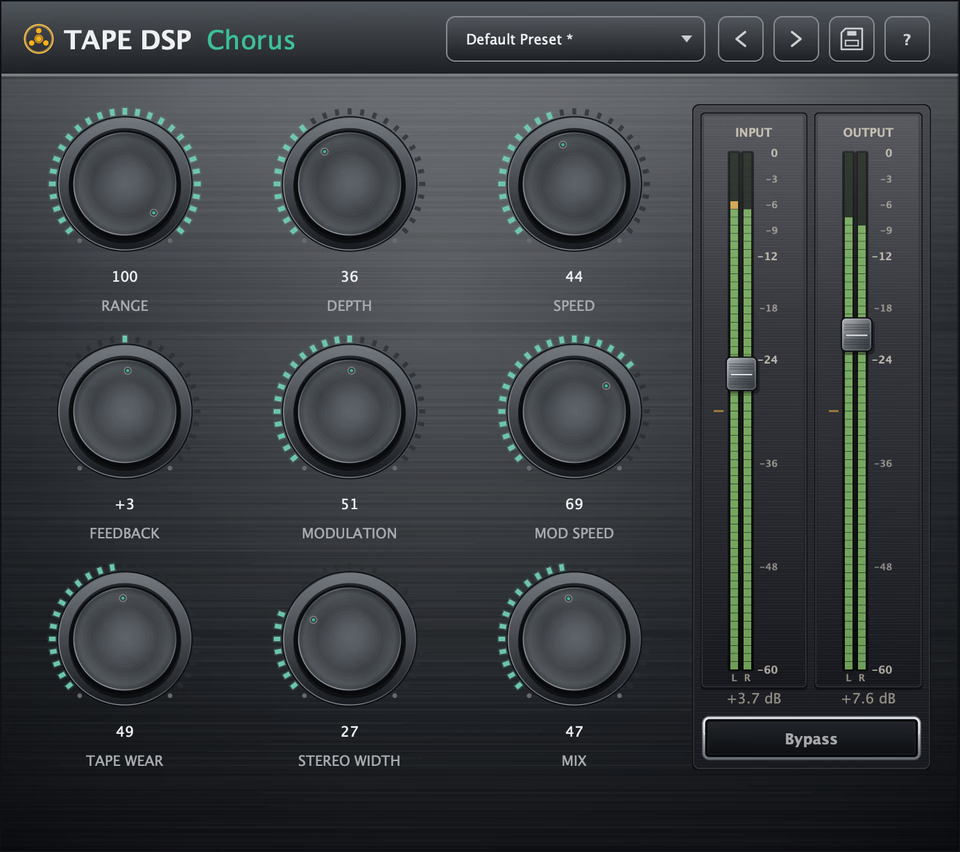
A chorus whose wet path runs through tape. The voices move, and the tape rounds them off so the swirl sits in the track.
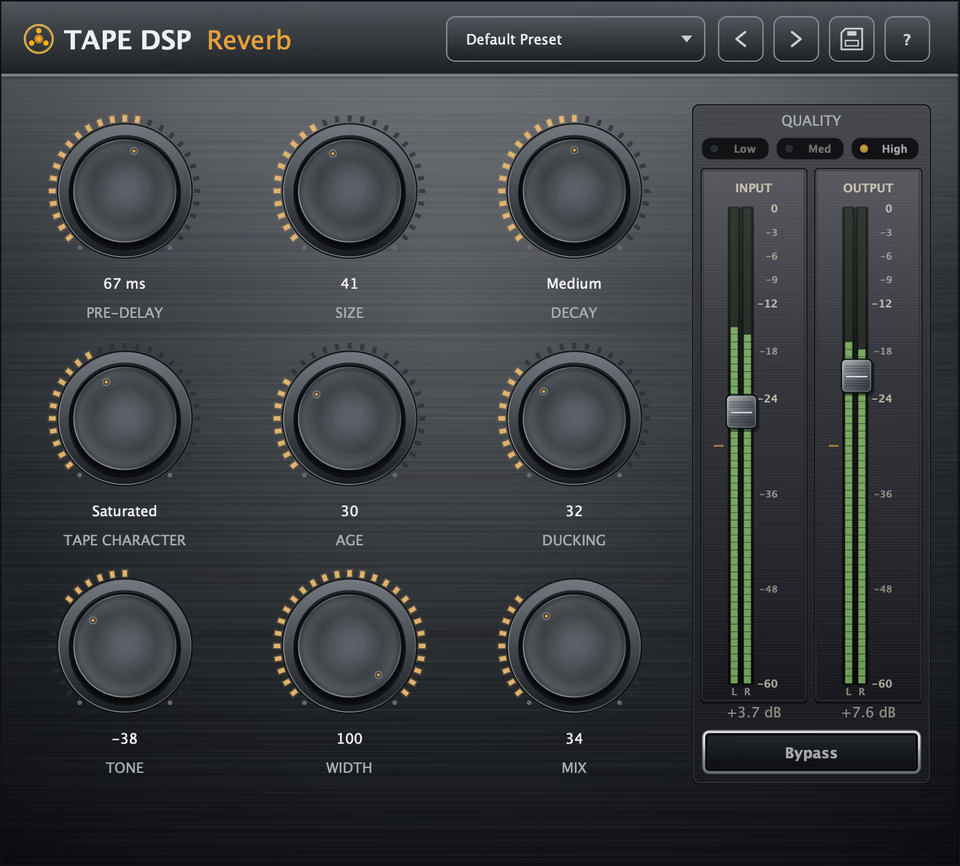
A reverb with tape on the tail. The space comes back darker and denser, so it sits behind the track and leaves the source clear.
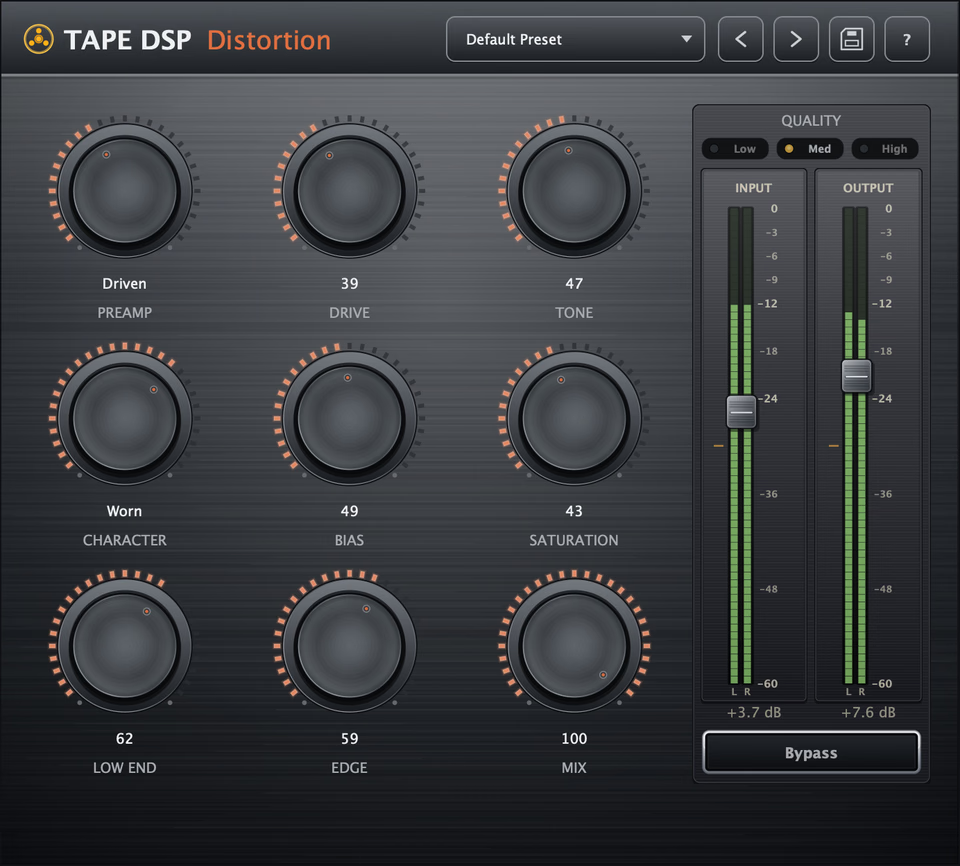
Drive a signal into tape, from a little harmonic weight to compressed, broken-up grit.
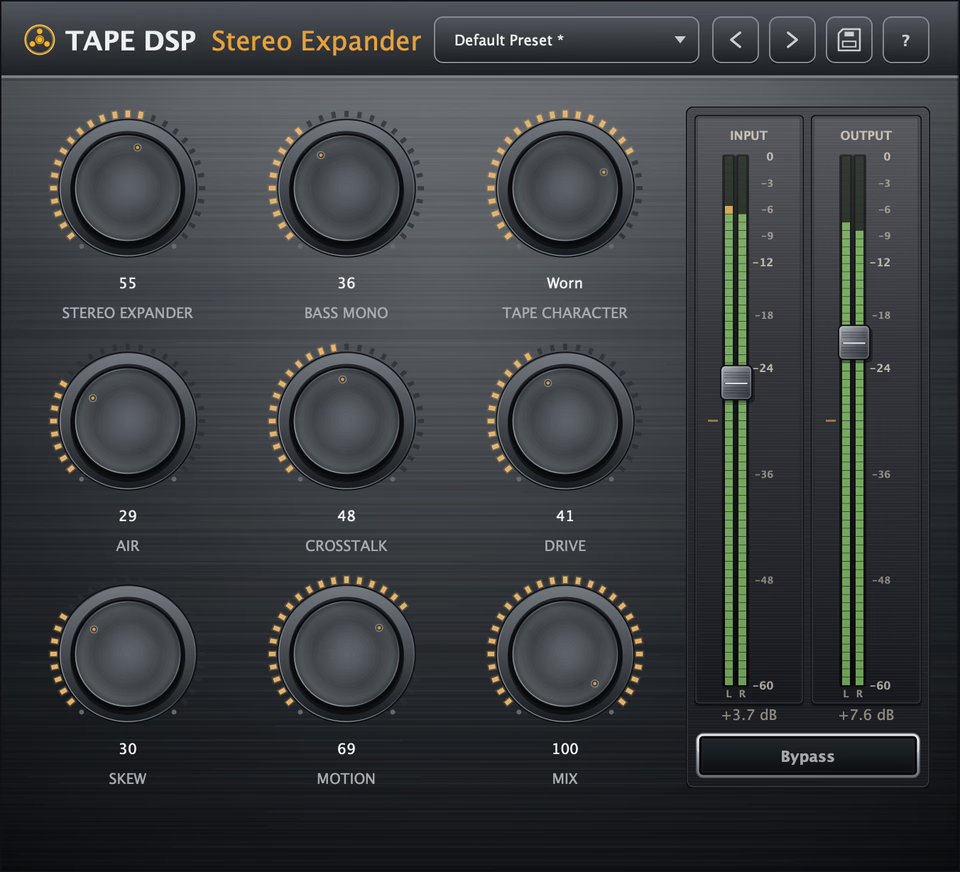
Widens a mix or bus while the center and low end stay put. The sides pass through a tape head, so the extra width keeps an analog texture.
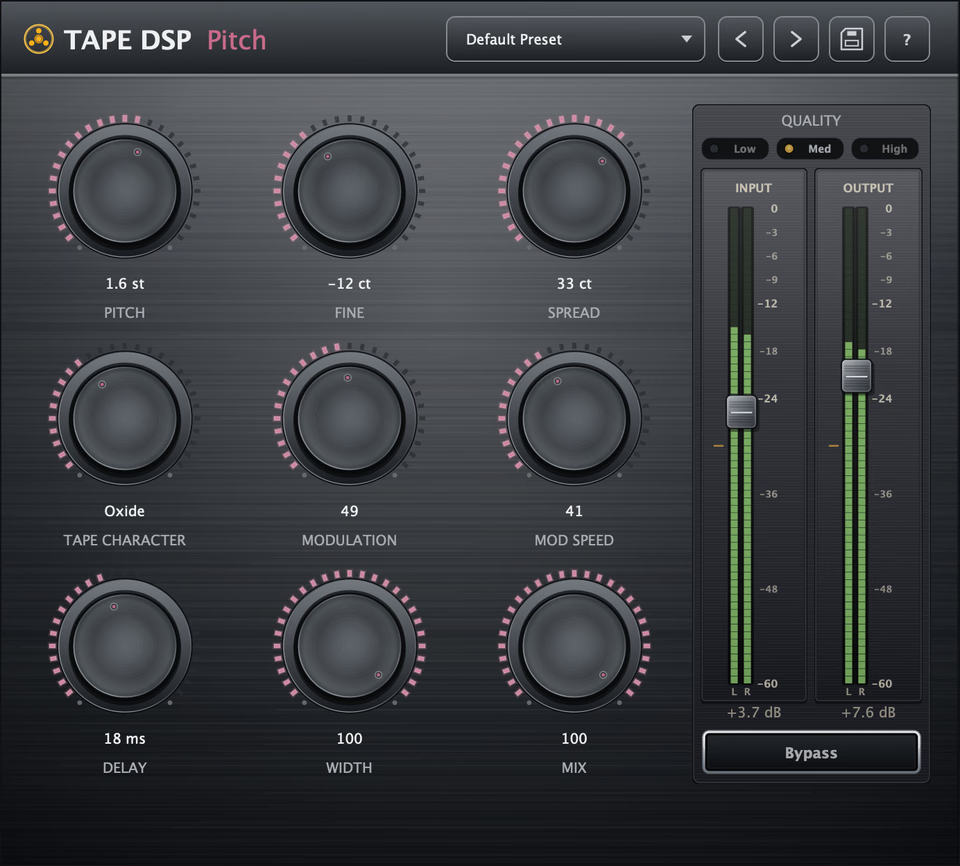
Shift a signal up or down and run it through tape. Doubles, octave drops and varispeed, rounded off so they sit with the original.
Every Expansion, one price.
The Collection adds every Expansion in the pack, including the ones we release later.
Get the CollectionCommon questions.
Yes. Install the pack and use every plugin for as long as you like. Each plugin also has a few extra controls, which come with a one-time $25 Expansion.
Tape Mastering masters your finished mix in the browser through a studio tape machine. You hear Modern and Vintage next to your mix, then keep the one you like.
Open any plugin, press Continue in browser and sign in with a free account. The free plugins run on every computer you use. Expansions run on up to three, and you can free one from the Account page.
VST3, Audio Unit (AU) and LV2 on Windows, macOS and Linux.
Windows SmartScreen can ask you to confirm the first run of Tape DSP Setup. Click More info, then Run anyway, and the installer opens.
Previews are free. A new account starts with 50 credits, and mastering the whole song spends credits by its length.

Install the pack. Mix in your DAW.
Install, open any plugin, press Continue in browser and sign in with a free account. The same account opens Tape Mastering in the browser.
- Free account
- Free on every computer