Tape Echo: evolving tape delay for your DAW
Feed every repeat back through a modeled tape path. Each pass can get darker, denser, more saturated and less stable, so the delay evolves instead of repeating the same clean copy. Free to use; Expansion adds Detune Speed, Tape Comp, Ducking and extra heads.

Build the echo from timing to tape
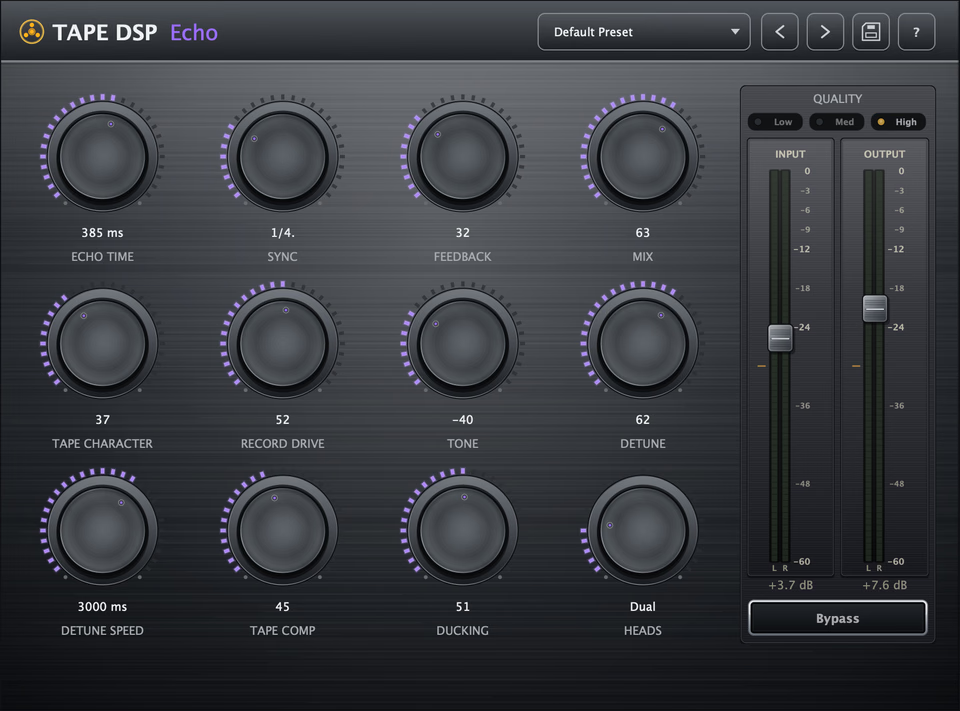
Echo Time / Sync
Set free-running delay time in milliseconds or sync it to your DAW with note divisions.
Feedback
Set how far the echo feeds back, from a short slap to self-oscillating trails.
Record Drive
Push each repeat harder into the tape stage so feedback grows denser and more saturated.
Tone
Shape how bright or dark the repeats become as they decay.
Detune
Add wow and flutter for moving pitch and tape-style instability.
Detune Speed
Set how fast the pitch movement wanders (Expansion).
Tape Comp
Compress the repeats so feedback trails grow denser and more cohesive (Expansion).
Ducking
Pull repeats down while the dry signal is present, then let them bloom into the gaps (Expansion).
Heads
Choose multi-head patterns for rhythmic, multi-tap echo sequences (Expansion).
What makes a tape delay different from a digital delay?
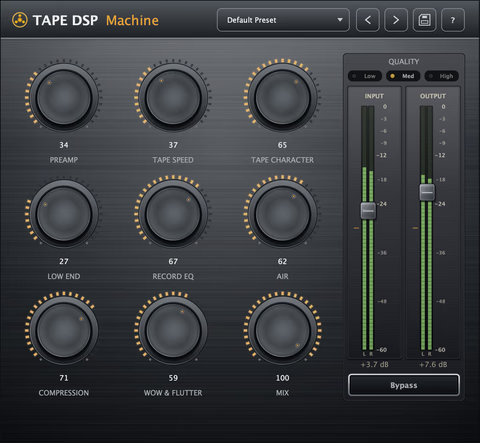
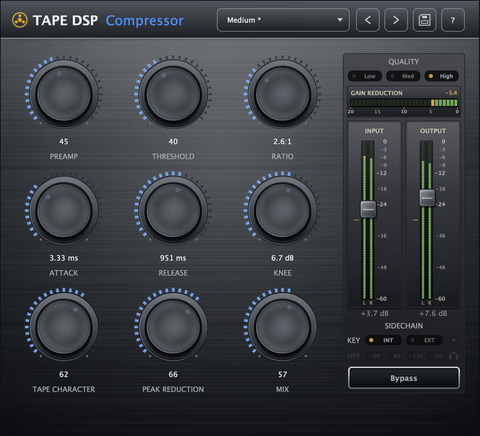
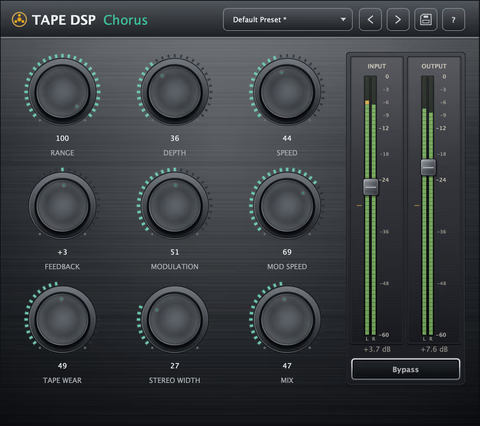
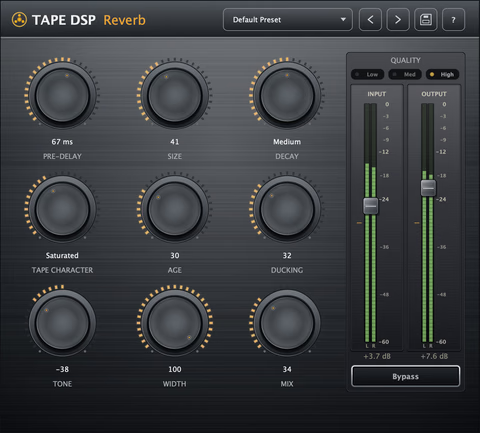
Tape Echo is a real-time tape delay plugin for VST3, AU and LV2 on Windows, macOS and Linux. A clean digital delay can return the same copy again and again. Tape Echo feeds the feedback path through the tape model, so repeats progressively lose top end, pick up harmonics, compress and drift. That change from one repeat to the next helps the echo sit behind the dry signal instead of competing with it. It installs with Tape Machine and Tape Compressor in the same plugin pack.
What do the controls do?
- Echo Time / Sync: set free-running delay time in milliseconds or lock it to your project tempo with note divisions.
- Feedback: set how far the echo feeds back, from a short slap to self-oscillating trails.
- Mix: set the dry/wet balance of the echo.
- Character: choose the tape formulation and overall color of the repeats.
- Record Drive: push each repeat harder into the tape stage so feedback grows denser and more saturated.
- Tone: shape how bright or dark the repeats become as they decay.
- Detune: add wow and flutter for moving pitch and tape-style instability.
- Detune Speed: set how fast the pitch movement wanders (Expansion).
- Tape Comp: compress the repeats so feedback trails grow denser and more cohesive (Expansion).
- Ducking: pull repeats down while the dry signal is present, then let them bloom into the gaps (Expansion).
- Heads: choose multi-head patterns for rhythmic, multi-tap echo sequences (Expansion).
How do I get classic tape echo sounds?
- Slapback: use a short delay, low feedback, a touch of Record Drive and minimal Detune.
- Dub delay: sync to tempo, raise Feedback and Record Drive, then add Tape Comp (Expansion) for denser, more saturated trails.
- Vintage wobble: raise Detune, then use Detune Speed (Expansion) to control how quickly the pitch wanders.
- Vocal echo that stays clear: use Ducking (Expansion) to keep repeats under the vocal and let them bloom between phrases.
Download the plugin pack to get Tape Echo alongside Tape Machine and Tape Compressor.
What Expansion adds
The core delay is free to use. The Expansion adds Detune Speed, Tape Comp, Ducking and extra heads for more movement, control and rhythmic options.
Want an offline tape render?
In your DAW
Use Tape Echo in real time anywhere you want delay inside the session.
Tape DSP Studio
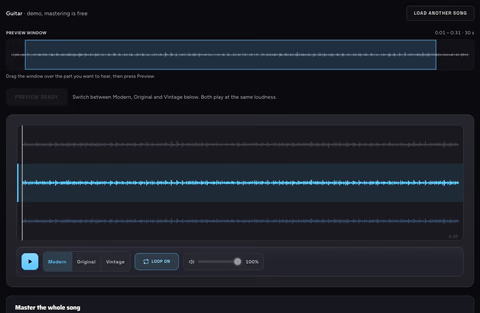
Use the online Tape Machine for an offline tape render with extra resolution and more export options.
Mix in the plugin. Open the online Tape Machine when you want to render the tape process offline.
More tape tools in the plugin pack
Tape Echo FAQ
What does Expansion add?
Echo Time, Sync, Feedback, Mix, Character, Record Drive, Tone and Detune are free to use. The optional Expansion permanently unlocks Detune Speed, Tape Comp, Ducking and extra heads. There is no subscription.
What formats and platforms does it support?
VST3, Audio Unit (AU) and LV2 on Windows, macOS and Linux.
Can it sync to my DAW tempo?
Yes. Use Sync to lock Echo Time to your DAW tempo with note divisions, or switch to milliseconds when you want a free-running delay.
How do I keep echoes from cluttering the mix?
Reduce Feedback or darken Tone so the trail moves behind the dry signal. With Expansion, Ducking lowers repeats while the dry signal is present, then lets them bloom into the gaps.