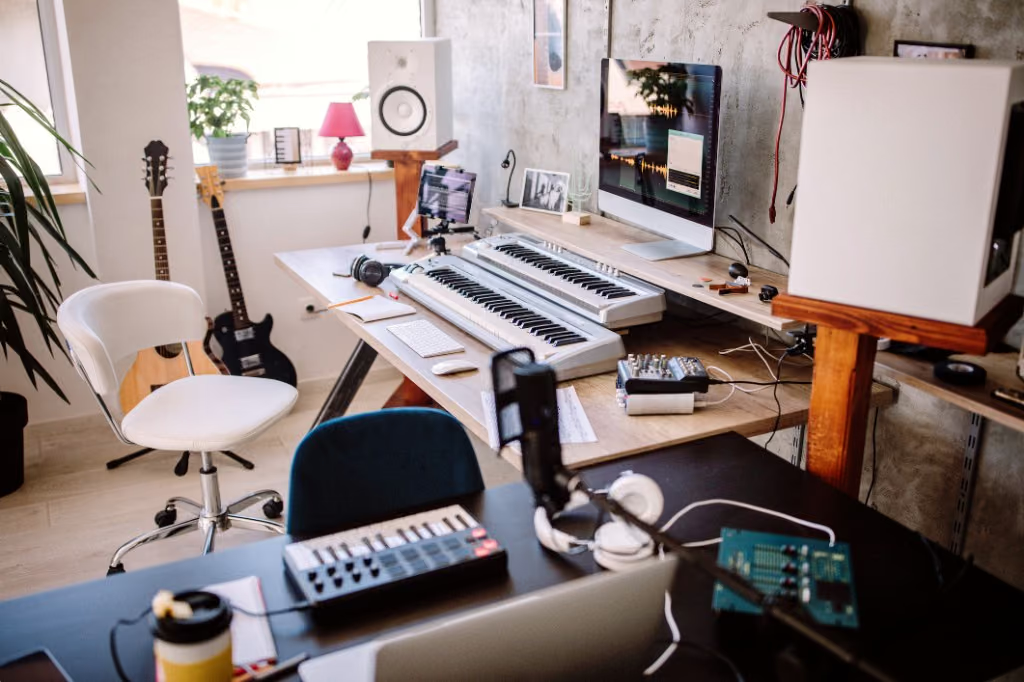
If you record in a bedroom, a spare room, or on a laptop at the kitchen table, tape saturation is one of the friendliest moves you can make. A little analog color thickens thin sources, glues a programmed kit, and helps a mix feel finished.
What tape actually does, in plain language
When audio passes through analog tape, it picks up a handful of small, musical imperfections: gentle harmonic saturation that adds warmth and density, a soft compression that glues sounds together, a slight smoothing of harsh highs, and a touch of movement from wow & flutter. None of these shout on their own. Stacked together, they turn a track that feels “in the box” into one that feels printed.
If your mixes come out thinner or more brittle than the records you love, this kind of analog coloration is often the missing piece. You can hear it before you learn the physics.
Where home-studio producers actually use it
- Vocals — a little tape thickens a thin vocal and tames sibilance and digital edge, so the voice sits in the track.
- Drums and drum loops — tape glue makes a programmed beat feel like it was played in one room. Push it harder for punch and grit.
- Bass — saturation adds harmonics that still read on laptop speakers and phones.
- Guitars and synths — warmth and character, especially on clean DI or sterile virtual instruments.
- Samples and one-shots — print tape onto loops so a sample pack feels cohesive and vintage.
- The full mix — a quiet pass across the whole bus adds cohesion and that “records sound like this” quality.
Hear it before you read more
Skip the theory for a minute — download the plugins, or compare before/after samples.
Software tape, no machine to maintain
A real tape machine means alignment, stock, and upkeep. The Tape DSP product is the plugin pack — Tape Machine, Tape Compressor, and Tape Echo — live in your DAW. Studio is optional if you want a browser print with a level-matched A/B.
If you can install a VST3, AU, or LV2 — or upload a WAV — you can get analog tape character.
How to start
Pick one stem you are unhappy with — a vocal, a drum bus, or a flat-sounding mix — and put Tape Machine on it, or run it through Studio if you want a browser print. Start quiet, A/B against the original, and trust your ears.
Tape saturation is a tool for making digital recordings sound more human. That is what a home studio needs most.
Next step
Download the plugin pack. Open Studio or Mastering when you want a browser print or a streaming bounce.