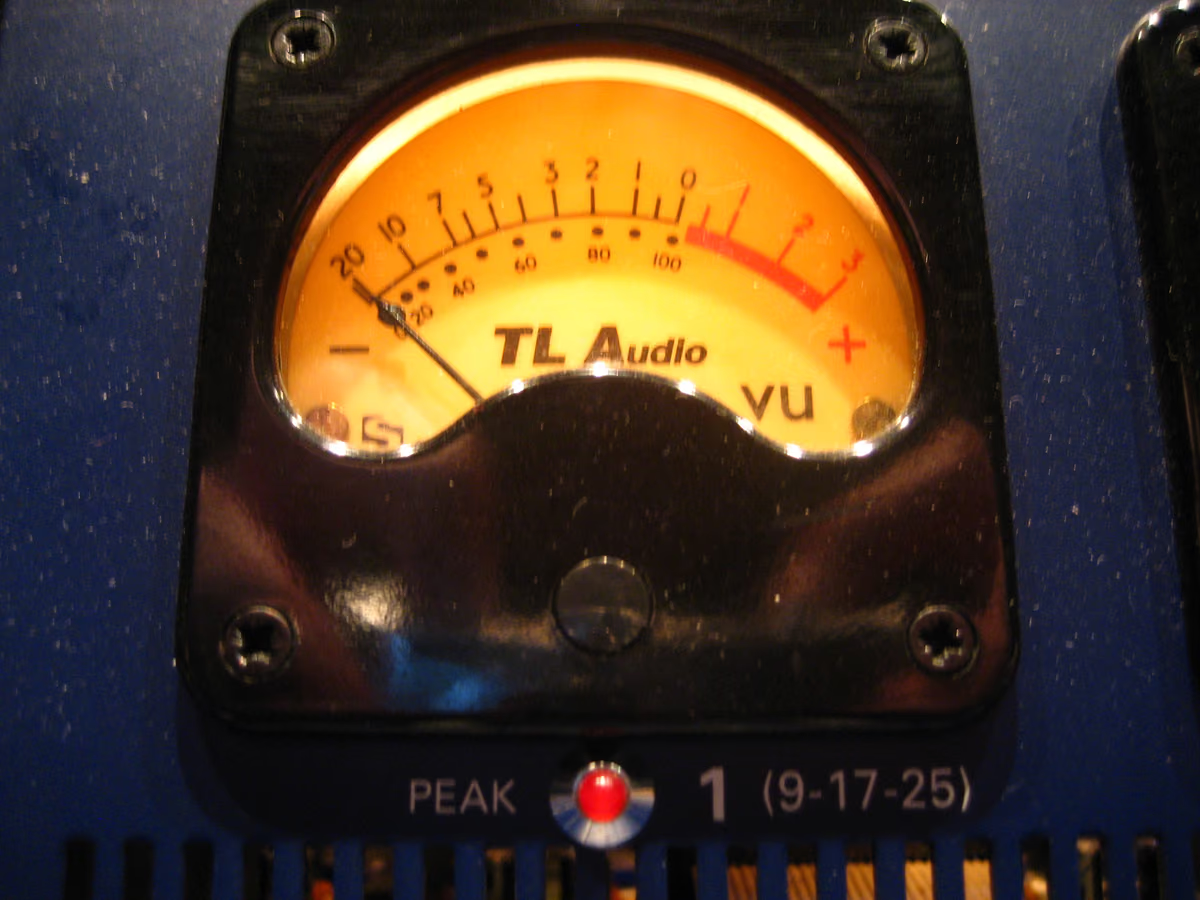
If your master sounds quieter than a reference on Spotify — or cranking the limiter did nothing — the answer is LUFS. Hit the right number and the track translates. Miss it and the platform turns you down.
What is LUFS?
LUFS (Loudness Units relative to Full Scale) is a standardized measure of perceived loudness over time, weighted to how humans hear. Peak meters show the highest sample value. LUFS shows how loud a track actually feels — which is why streaming platforms use it to normalize playback.
Why streaming loudness normalization matters
Streaming services play everything back at a consistent loudness: loud masters come down, quiet ones come up. Mastering far louder than the target costs dynamics and adds distortion, and you still play at the same level as everyone else. Master to the right LUFS and you keep the punch.
Hear it before you read more
Download the pack, or play the before and after samples.
What LUFS should you master to?
Aim for integrated LUFS around −14 for streaming-normalized playback, and keep true-peak at −1 dBTP or lower so lossy formats stay clean. Common reference points:
- Spotify, YouTube and Amazon Music normalize around −14 LUFS integrated.
- Apple Music normalizes around −16 LUFS integrated with Sound Check.
- Modern, punchy releases — roughly −14 to −9 LUFS still translate well.
- Club / competitive genres — often louder, with reduced dynamics as a stylistic choice.
- True-peak — keep ≤ −1 dBTP everywhere.
The goal is translation at the playback loudness. Master to the meter.
How tape helps you hit loudness targets musically
Analog tape adds perceived loudness and density through harmonics and gentle compression, so the mix can feel fuller at the same LUFS. Pair it with integrated LUFS and true-peak metering. The whole flow: how to master a song online with tape.
What’s the difference between LUFS and dBFS?
dBFS and peak meters measure individual sample levels. LUFS measures perceived loudness over time. A track can peak at 0 dBFS and still measure quiet in LUFS, or feel loud while peaking lower. You want both.
Should I master to a single LUFS number?
Use it as a guide. Match the loudness your genre and references live at, watch true-peak, and trust a level-matched A/B over chasing a number.
Want a master at −14 LUFS with true peak under −1 dBTP? Master the finished song in Tape Mastering, or stay in the DAW with the plugin pack.
Next step
Download the pack. When a song is done, master it through tape with Tape Mastering.