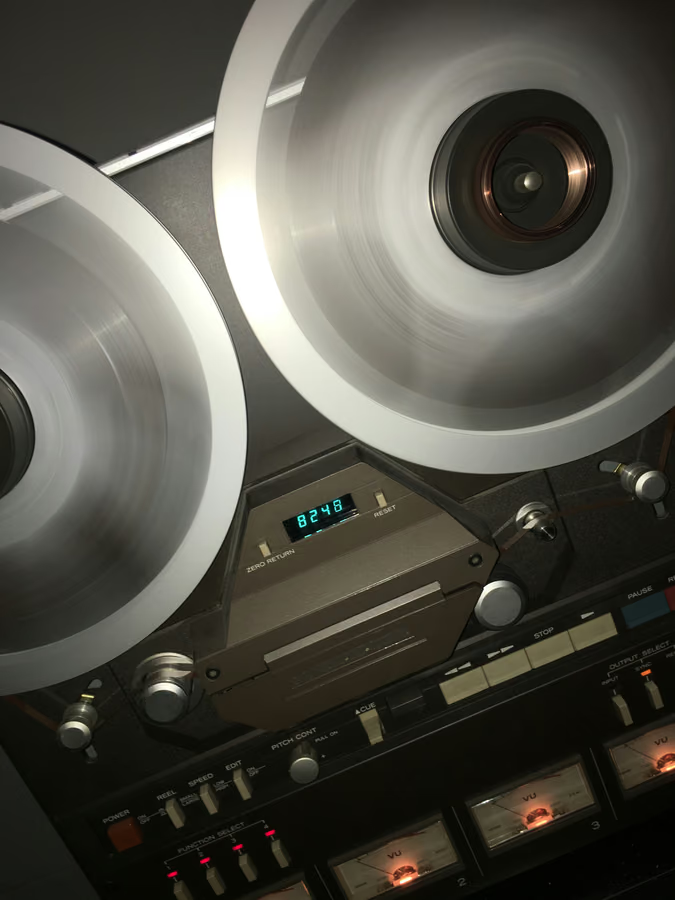
For mastering, 15 IPS and 30 IPS are different tonal choices. 15 IPS tends to add more low-end weight and head bump. 30 IPS usually sounds tighter, cleaner, and more extended. Pick the speed that solves the mix in front of you.
What does 15 IPS sound like?
15 IPS often gives a fuller low end, a more obvious head bump, and a slightly softer top. It can make thin mixes feel bigger and warmer. The tradeoff is that dense low-end arrangements may become too thick if the mix already has a strong kick, bass, or sub layer.
What does 30 IPS sound like?
30 IPS usually sounds cleaner and tighter. The low end is more controlled, high frequencies extend more naturally, and transients stay a little sharper. It is a strong choice for modern masters, busy electronic music, and mixes that already have enough weight but need smoothness and glue.
Hear it before you read more
Download the pack, or play the before and after samples.
Which speed should you choose?
- Choose 15 IPS when the mix feels thin, overly digital, or needs low-mid body.
- Choose 30 IPS when the mix is bass-heavy, fast, dense, or needs clarity.
- Use level-matched A/B because 15 IPS can feel better at first simply because it adds weight.
How does this relate to head bump?
Head bump is a low-frequency resonance caused by the tape head and transport geometry. Slower speeds usually make that bump more noticeable in the audible low end. That can be magic on a thin master and too much on a full one. Learn the concept in more detail in the tape saturation guide.
FAQ
Is 30 IPS always more professional?
30 IPS is cleaner. 15 IPS can be more musical when a master needs weight, warmth, or a stronger analog fingerprint.
Should I use 7.5 IPS for mastering?
Usually only for a deliberate vintage or lo-fi tone. For transparent mastering, 15 IPS and 30 IPS are safer starting points.
Want to hear the difference on your own audio? Download the pack, or hear your finished mix mastered through tape in Tape Mastering, level-matched against the original.
Next step
Download the pack. When a song is done, master it through tape with Tape Mastering.