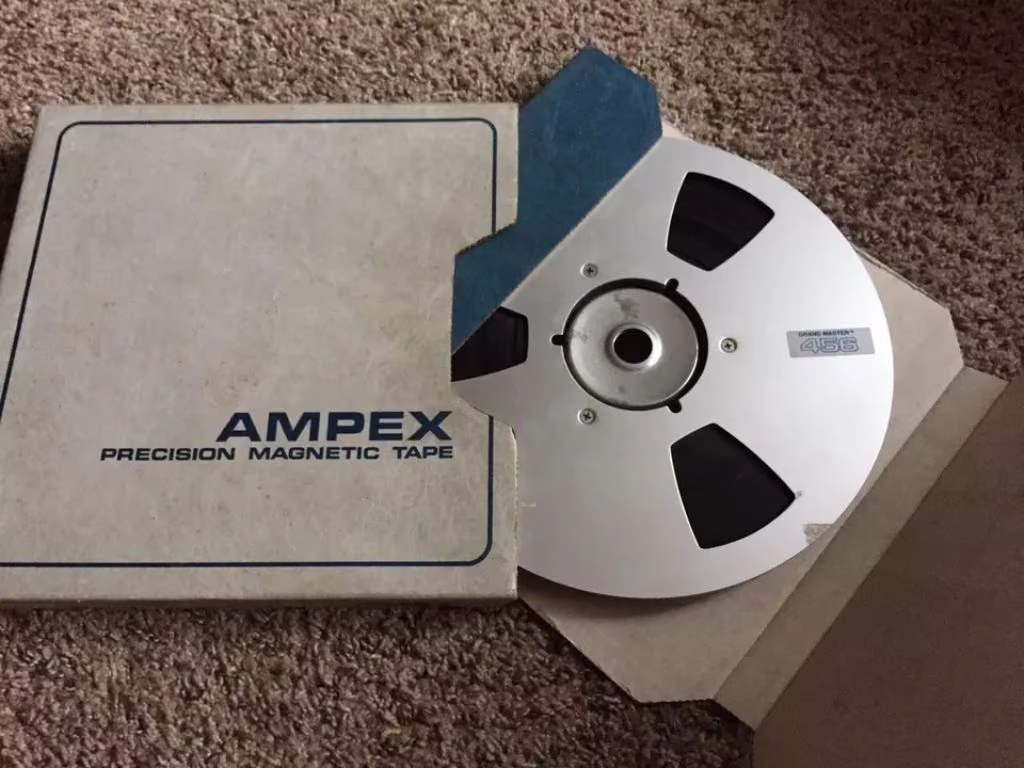
Tape tone is the sound a mix takes on after it has been recorded to analog tape and played back. As level rises, the medium adds harmonics, rounds peaks, and eases the top end. That stack is the warmth and glue people chase on vocals, drums, and the mix bus.
What is tape tone?
It is the dense, gently compressed character of analog tape. Drive the medium and you get musical harmonics, a little automatic leveling, and a high-frequency roll-off that takes the sting out of bright sources. Together they read as analog warmth.
How does tape tone work?
Tape is a magnetic medium with limits, and those limits are musical:
- Harmonic warmth — soft saturation adds density and perceived loudness
- Soft compression — dynamics pull together as you drive the tape
- High-frequency roll-off — brittle tops and hard transients ease off
- Head bump — a speed-dependent lift in the low end
- Wow & flutter — tiny speed variations that give the image a little life
Stage by stage in the modeled engine: what Tape DSP does to your audio. The live schematic lives on that post and on the homepage signal chain.

What does tape tone sound like?
At low settings the mix just feels finished: warmer, easier to leave on. Push it and you hear thickness, grit, a vintage smear. The harmonics stay musical, so you can drive it further than a hard clip before it turns ugly.
Tape tone, distortion, and compression
Tape adds harmonics and a little compression in the same pass. Distortion and overdrive are the louder, more obvious cousins. A clean compressor only moves level. Reach for tape when you want warmth, cohesion, and smoother highs in one move.
If you can hear “the effect” right away on a full mix, you have gone past a mastering pass. Dial back and A/B at matched level.
Hear tape tone on real music
Start with the homepage samples, then put the plugin pack on a track in your DAW.
When should you use tape tone?
- Vocals — thickness; tames digital edge and sibilance
- Drums — punch and glue so a programmed kit feels played
- Bass — harmonics that still read on phones and laptops
- Mix bus / master — a little cohesion and a smoother top
New to it? Start with tape for home-studio musicians. Fighting harsh highs? See taming digital harshness.
How do you add tape tone in software?
The plugin pack runs live in your DAW. For a finished song, Tape Mastering prints the whole mix through tape in the browser as part of the master. Step-by-step online: add analog tape tone online.
Can you use tape tone for mastering?
Yes. On the mix bus it adds glue and smoother highs, with LUFS and true-peak in mind. Walkthrough: master a song online with Tape DSP. For automatic mastering through tape aimed at streaming, use Tape Mastering.
FAQ
Does tape tone reduce audio quality?
Done well it improves how the record feels. A good engine oversamples so the extra harmonics stay musical. Export 24-bit or 32-bit float WAV for print.
Is tape tone the same as a “tape effect”?
Heavy wow, flutter, and lo-fi grit is the same family pushed far. Low settings = subtle warmth; high settings = obvious vintage character.
Plugin or Tape Mastering?
The plugins run live in your DAW while you mix. Tape Mastering prints the finished song through tape in the browser and masters it, with matched A/B. Plenty of people use both.
Try tape tone on your music
Download the plugins for your DAW. Open Tape Mastering when the song is done and you want a master through tape.