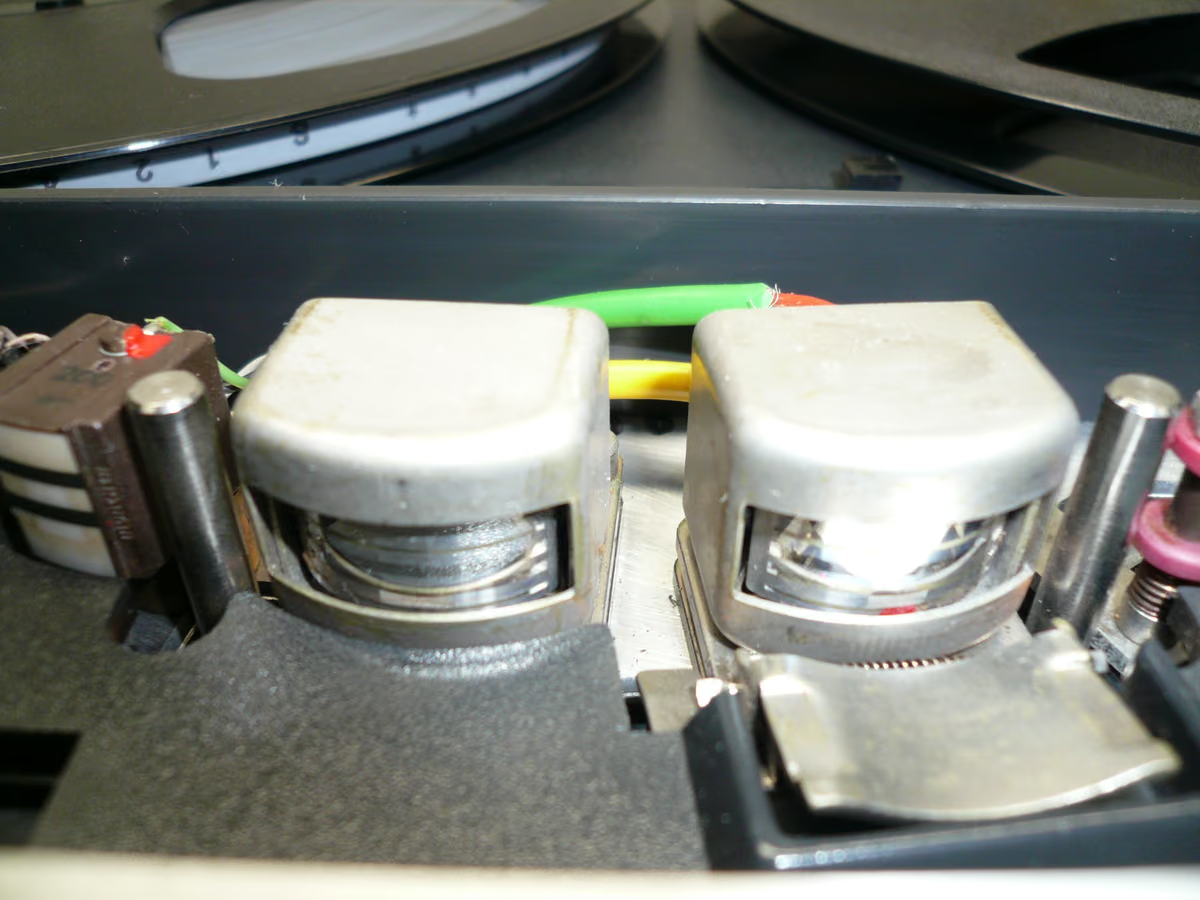
Tape head bump is the low-frequency lift associated with analog tape machines. In mastering, it can make a thin mix feel bigger and more expensive. On a full mix it can get muddy. Use it when the song needs weight.
What causes head bump?
Head bump comes from the interaction between tape speed, playback head geometry, and the magnetic recording process. The result is a resonance in the low-frequency region — part of how the machine reproduces bass.
How does tape speed affect low end?
Slower speeds usually place more character in the audible low end, which can add weight and warmth. Faster speeds usually sound tighter and cleaner. That is why 15 IPS can make a thin master feel fuller, while 30 IPS often suits dense modern mixes that already have strong bass.
Hear it before you read more
Download the pack, or play the before and after samples.
When does head bump help?
- Thin mixes that need weight without obvious EQ.
- Acoustic, rock, soul, and indie masters that benefit from warmth.
- Digital productions where the low end feels technically correct but emotionally small.
When should you avoid it?
Be careful with head bump on bass-heavy electronic, trap, club, or metal mixes. If the kick and bass already fight for space, extra low-frequency resonance can reduce punch and translation. In that case, choose a faster speed or a lighter tape setting. For speed choices, see 15 IPS vs 30 IPS for mastering.
FAQ
Is head bump the same as a bass boost?
It can sound like a bass boost, but it comes from tape-machine behavior and interacts with saturation, speed, and playback character.
Can head bump make masters louder?
It can make them feel fuller, but too much low end usually reduces loudness potential because the limiter has to work harder.
Want to hear the difference on your own audio? Download the pack, or hear your finished mix mastered through tape in Tape Mastering, level-matched against the original.
Next step
Download the pack. When a song is done, master it through tape with Tape Mastering.