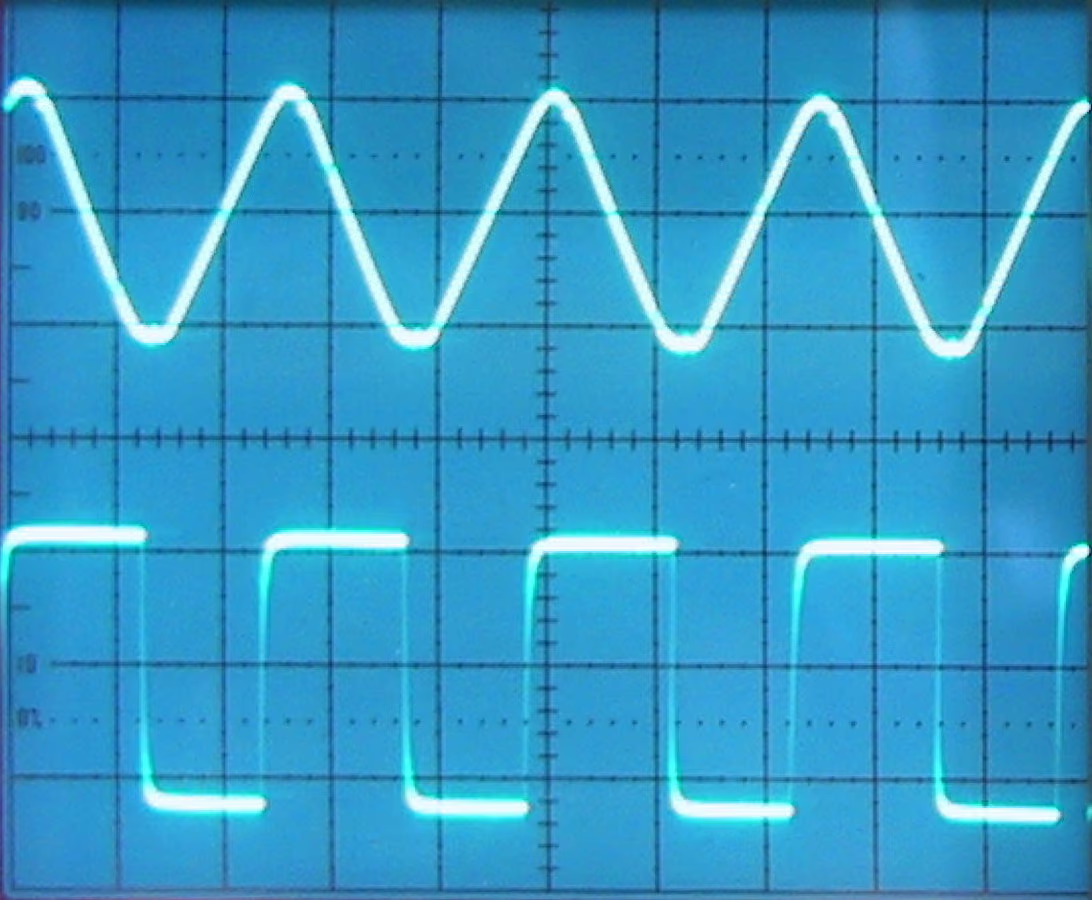
Tape bias is one of the least visible parts of analog recording, and one of the most important. It is a high-frequency signal added during recording so the tape responds more linearly. With the right bias, tape stays smooth, musical, and familiar.
What is tape bias?
Tape bias is an ultrasonic AC tone mixed with the audio before it reaches the record head. It moves the magnetic particles into a more usable operating range, reducing low-level distortion and improving the way tape captures detail. The listener does not hear the bias tone directly; they hear its effect on the recording behavior.
How does bias change the sound?
Bias affects distortion, high-frequency response, saturation texture, and transient behavior. Underbias can sound brighter, grainier, and more distorted. Overbias can sound smoother and darker. Correct bias is the balance point where noise, distortion, headroom, and clarity work together.
Hear it before you read more
Download the pack, or play the before and after samples.
Why does bias matter in tape emulation?
A better engine models how the audio interacts with the bias-driven magnetic curve. That interaction is a major part of why real tape compresses and smooths in a musical way. More on the modeling: reel-to-reel tape emulation.
Should users adjust bias?
Tape Machine puts bias behind musical controls like Tape Character, Tape Speed and Preamp. When you want to hear bias move on its own, Tape Distortion has a Bias knob on its free panel. Under the hood, those choices can change the bias behavior while you stay in the music.
FAQ
Can humans hear tape bias?
Not directly when it is above the audio band and filtered correctly. You hear the way bias changes saturation, distortion, and high-frequency behavior.
Is more bias always smoother?
More bias can be smoother, but too much can reduce high-frequency clarity. The useful setting depends on tape formulation, speed, and program material.
Want to hear the difference on your own audio? Download the pack, or hear your finished mix mastered through tape in Tape Mastering, level-matched against the original.
Next step
Download the pack. When a song is done, master it through tape with Tape Mastering.