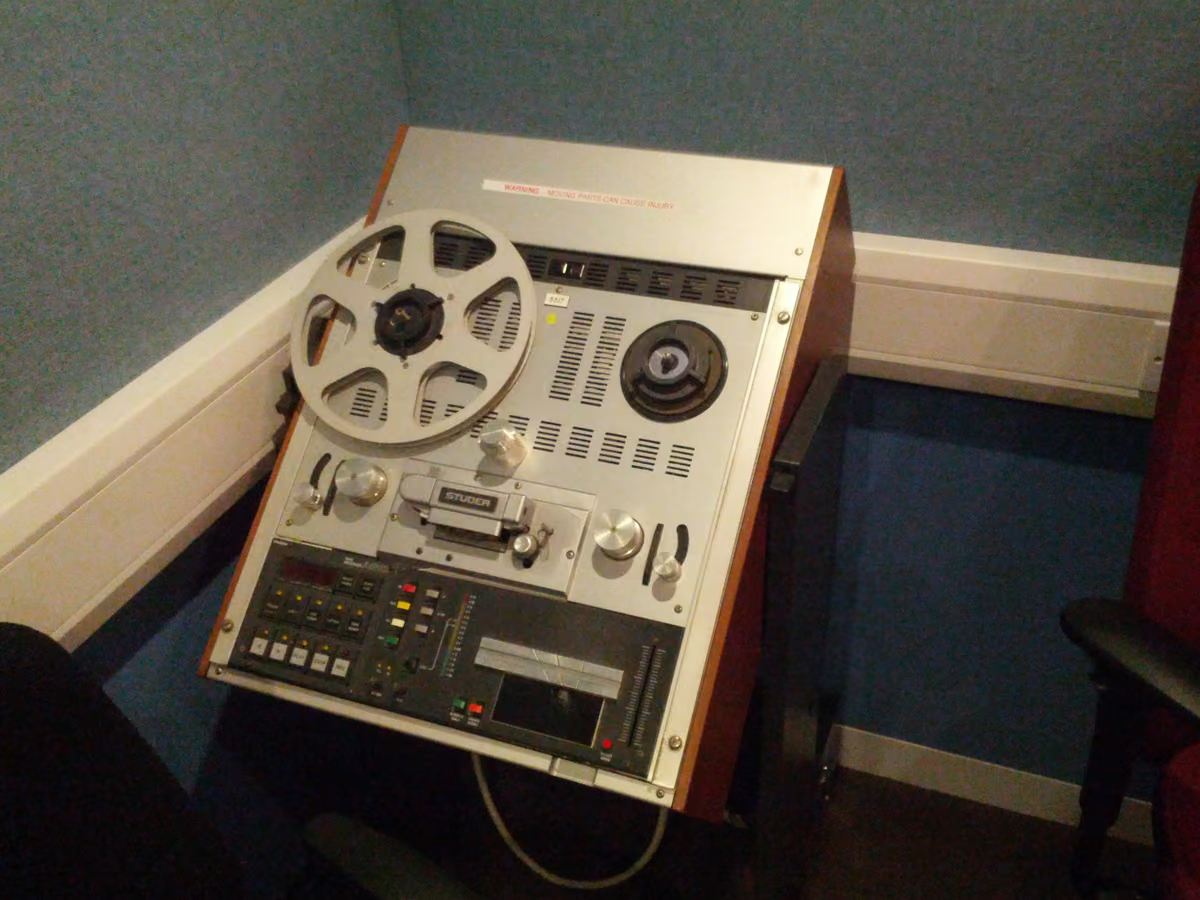
For decades, nearly every record passed through a reel-to-reel tape machine. That path is a lot of what we hear as “produced.” Tape emulation recreates the character. You keep the recall and the quiet noise floor; you skip the alignment and the stock.
What is reel-to-reel tape emulation?
Reel-to-reel tape emulation is a digital recreation of how audio behaves when recorded to analog tape and played back. It models a chain: magnetic character, head bump, high-frequency roll-off, gentle compression, and speed variation. Together they make the warm, glued analog sound.
How does the emulation recreate the sound?
A good engine is physically modeled. It simulates the behaviors of the machine:
- Magnetic character — musical harmonics that read as warmth and density.
- Head bump — a speed-dependent low-frequency lift that makes bass feel bigger.
- High-frequency roll-off — softens brittle highs and hard transients.
- Tape compression — gentle, program-dependent glue.
- Wow & flutter — subtle movement.
Stage by stage: what the engine actually does to your audio.
Hear it before you read more
Download the pack, or play the before and after samples.
Why does tape character still matter in digital mixes?
Digital is clean and precise, and sometimes clinical. Tape’s limits line up with what the ear likes: smoother highs, weightier low end, and cohesion between elements. The longer version: taming digital harshness with analog tape.
Emulation keeps the musical imperfections of tape. You get recall, a quiet floor, and a clean export.
Is tape emulation the same as a tape plugin?
A tape plugin is how you run tape emulation inside a DAW — that is the Tape DSP product. You can also print the same kind of engine in the browser — see plugin vs browser tape.
Does emulation sound as good as real tape?
Modern physically modeled engines capture the musically important behavior closely, and they add control a machine cannot: instant recall, a level-matched A/B, and a clean export.
Hear reel-to-reel character on your own music: download the pack, or master the finished song through tape in Tape Mastering.
Next step
Download the pack. When a song is done, master it through tape with Tape Mastering.