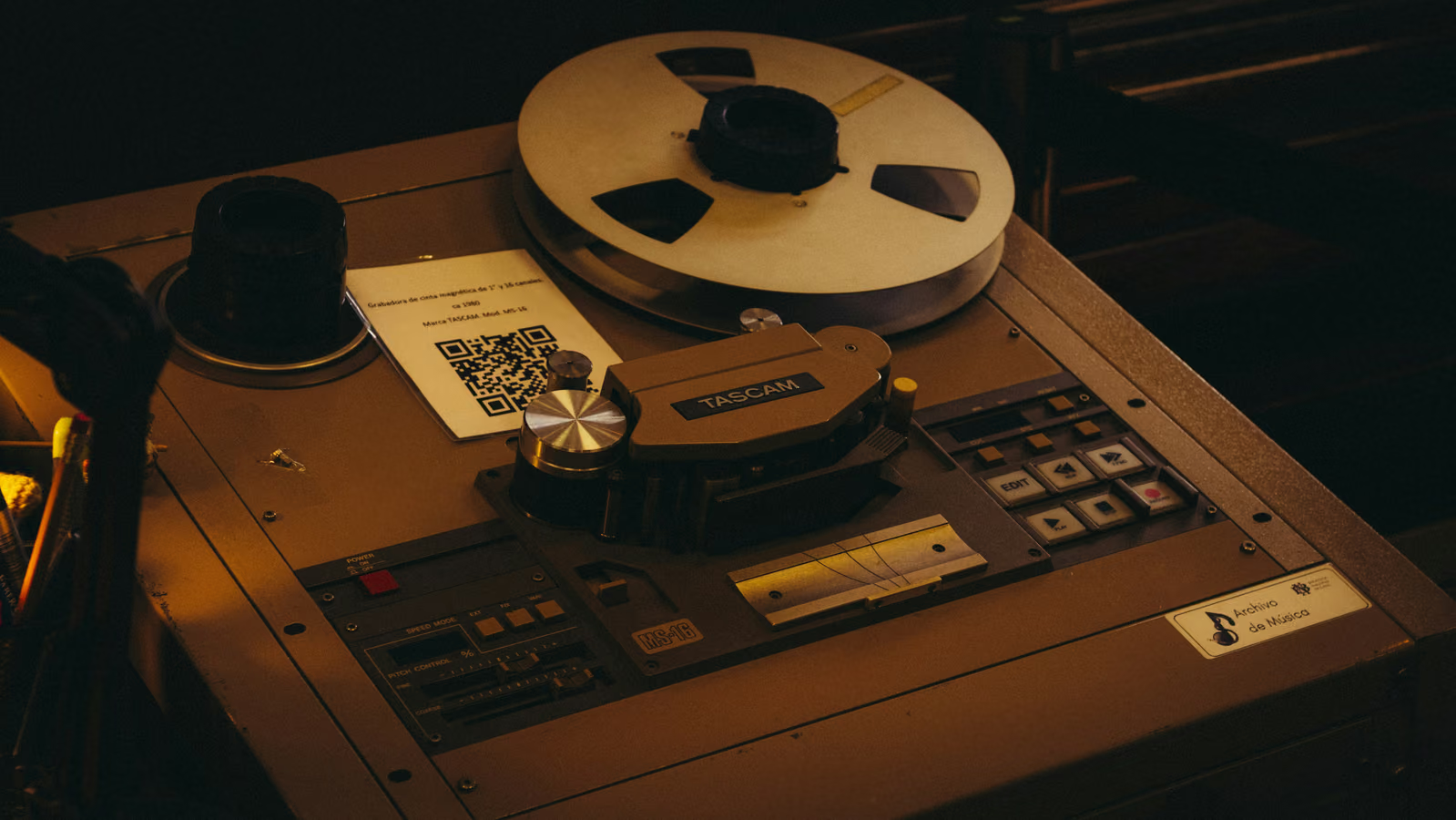
Tape is loved because it smooths harshness. Push too hard and the same behavior makes a master dull. Keep the top end; shave the brittle edges. Clarity, transient life, and air should still be there.
Why does tape sometimes sound dull?
Tape has finite high-frequency headroom and natural playback loss. When the drive is subtle, that softening feels expensive and musical. When the drive is too high, cymbals lose shimmer, vocals lose articulation, and the whole master feels smaller. The problem is usually too much drive, not too little EQ.
How do you avoid dullness?
- Use less drive than you think. Mastering tape should often be felt first.
- Try a faster speed. 30 IPS usually keeps low end tighter and highs cleaner than slower speeds.
- A/B at matched level. Louder tape settings can trick you into accepting too much loss.
- Watch transients. If the snare and vocal consonants lose life, back off.
- Add air only after reducing drive. Do not fix excessive saturation with excessive top-end boost.
Hear it before you read more
Download the pack, or play the before and after samples.
What should good tape on the master bus sound like?
Good tape makes the mix feel slightly denser, smoother on top, and more glued. You notice it on bypass. Overview: what tape saturation does.
When is the mix the real problem?
If quiet tape immediately makes the master muddy, the mix may already have too much low-mid energy or too little top-end balance. Fix broad mix problems before printing tape. Mastering tone stages work best on a mix that already translates.
FAQ
Should I brighten after tape?
Sometimes, but first reduce tape drive or choose a cleaner speed. If the tape setting is right, only a small air lift should be needed, if any.
Is dullness worse at slower tape speeds?
Often yes. Slower speeds can add weight and character, but they can also soften the top more than a modern master needs.
Want to hear the difference on your own audio? Download the pack, or hear your finished mix mastered through tape in Tape Mastering, level-matched against the original.
Next step
Download the pack. When a song is done, master it through tape with Tape Mastering.