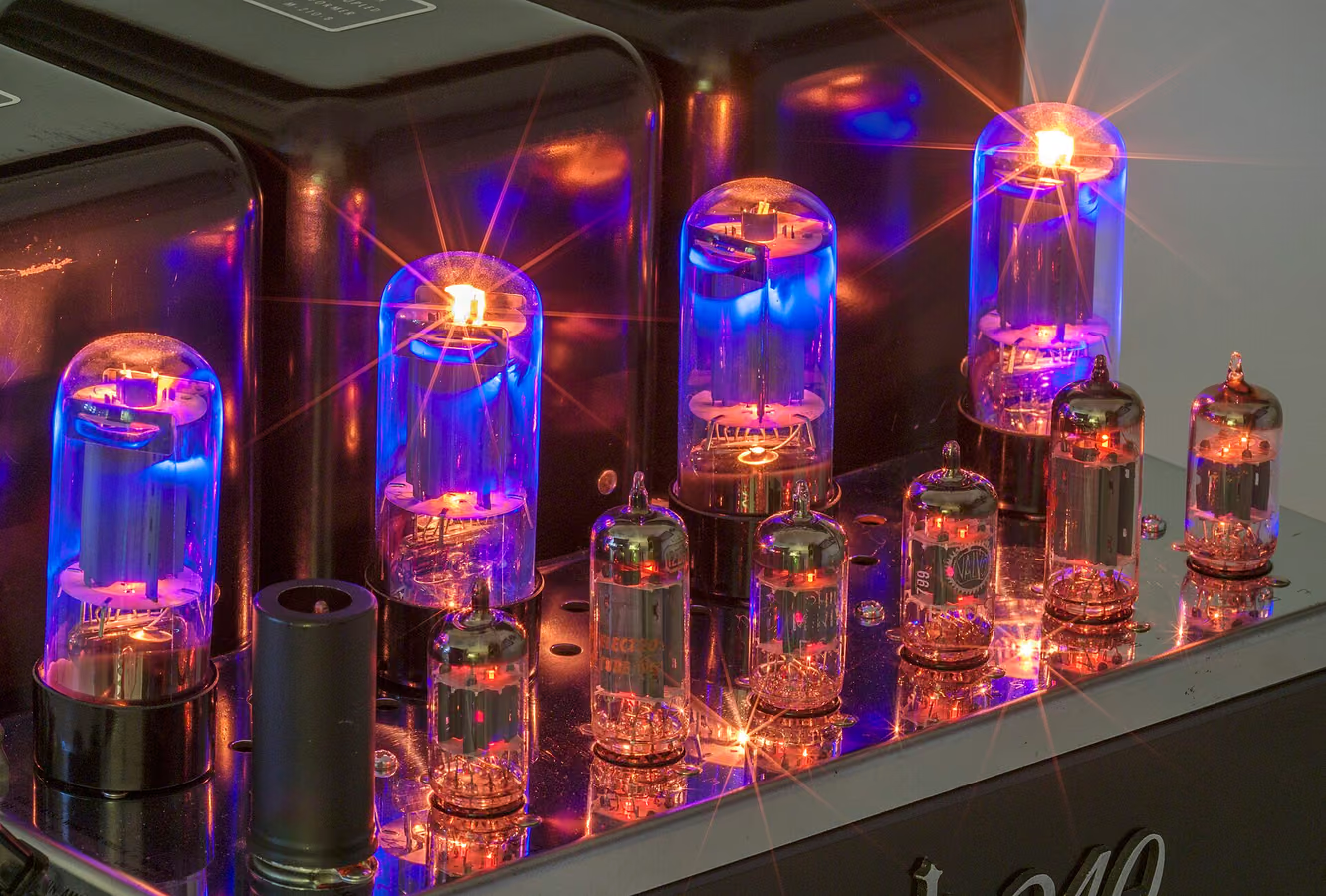
“Warmth” is a combination of low-order harmonic saturation, slightly softened transients and highs, controlled dynamics, and a solid low-mid foundation. Digital recordings sound cold when they have none of those. Free plugins can add all of them if you know which ingredient each one supplies.
What actually makes sound "warm"?
Harmonics are the biggest factor: analog gear adds second- and third-order harmonics that reinforce the source musically, thickening low mids and smoothing the top. Soft transient rounding and gentle compression add perceived density. A slight high-frequency roll-off shifts the tonal balance away from digital brightness. Tape delivers all of these at once, which is why it is the classic warmth tool — background in analog tape warmth in a digital workflow.
Step 1 — a saturation stage for harmonics
Put a tape saturation plugin on the tracks that feel thin (or their bus). With Tape Machine, raise Preamp/drive until the source feels denser, and choose a slower Tape Speed for more weight. Practical settings are in how to use Tape Machine.
Hear it before you read more
Download the pack, or play the before and after samples.
Step 2 — tape-style compression for density
A tape-style compressor like the free Tape Compressor combines leveling with saturation, so tracks gain weight as they are controlled. A couple of dB of gain reduction and a little Preamp (Expansion) is often all a vocal or bass needs.
Step 3 — analog-style depth instead of digital reverb
Old records got their sense of space from tape echo and plates. A short, dark slapback from Tape Echo, one repeat with low Tone and moderate Mix, adds depth because the repeat itself is saturated and slightly unstable. For a room around it, Tape Reverb puts tape inside a plate's feedback loop.
Where should warmth go in the chain?
Track-level for character, bus-level for glue, master-level only quietly. Always compare with a level-matched A/B: saturation adds loudness, and loudness flatters. If everything now sounds warm but dull, remove warmth from the master first, then the buses — track-level color usually survives.
FAQ
Can free plugins really make digital audio sound analog?
Yes, for the qualities that matter — harmonics, soft dynamics, tonal shaping and movement. Free modeled plugins reproduce these well; paid tools mainly add workflow, deeper accuracy and mastering-grade rendering.
What is the single best free plugin for warmth?
A tape saturation plugin, because it adds harmonics, transient rounding, compression and tonal shaping in one stage. Start there before stacking other tools.
Why does my "warm" mix sound muddy?
Too much saturation on already low-mid-heavy sources, or warmth stacked at track, bus and master level simultaneously. Reduce drive, add warmth at fewer stages, and keep the Air/tone control open on the top end.
Try it free. Download the pack: every plugin in it runs free in your DAW.
When the song is finished, Tape Mastering masters it through tape in the browser, with a free level-matched preview. The plugins never use credits.
Next step
Download the pack. When a song is done, master it through tape with Tape Mastering.