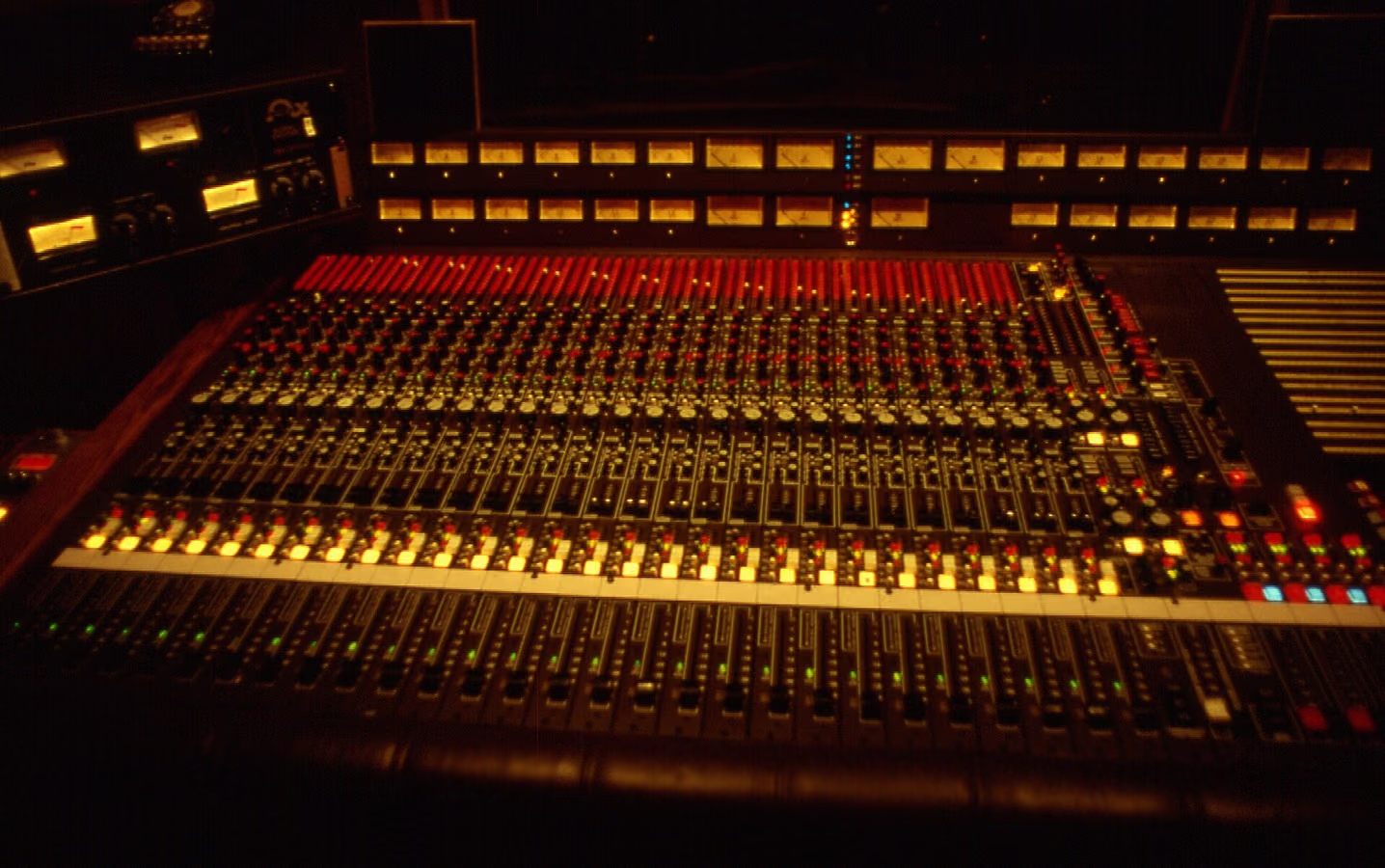
“Vintage character” is shorthand for what analog chains stamped onto everything they touched: harmonic saturation, gentle compression, slightly limited bandwidth, and subtle pitch and level instability. Those were side effects of tape, tubes, and transformers. Together they are why old records sound like one band in one room. Each quality is well understood now, and you can add it on purpose.
What makes a recording sound vintage?
- Harmonic saturation — tape and tubes add low-order harmonics that thicken the midrange and make simple sources sound rich.
- Natural compression — tape levels dynamics softly and program-dependently, so nothing sounds squashed but everything sounds controlled.
- Bandwidth shaping — analog chains roll off the extreme top and shape the low end (head bump), which reads as "warm" next to clinical digital extension.
- Movement — wow and flutter modulate pitch slightly, adding a liveliness that perfectly static digital audio lacks. See what is wow and flutter.
How do I add vintage character in a DAW?
Start with a tape stage on the source or its bus. With Tape Machine, slower tape speeds give more low-end weight and softer highs (more obviously vintage); Character sets the saturation flavor; a touch of Wow & Flutter adds the movement. For era-specific echo, a tape delay like Tape Echo reproduces the slapback and dub sounds of the '50s–'70s, where every repeat degrades a little more than the last. The deeper mechanics are in reel-to-reel tape emulation explained.
Hear it before you read more
Download the pack, or play the before and after samples.
How much is too much?
Vintage character works best when it is felt rather than heard. If highs sound dull, pitch movement is obvious on sustained notes, or the mix audibly distorts, back everything off. A useful method: push each control until you clearly hear it, then reduce to about half that amount and A/B at matched level.
Should vintage character go on tracks, buses or the master?
All three, in decreasing intensity. Individual sources (vocals, drums, keys) can take obvious color; buses take moderate glue-oriented settings; the master takes only a subtle finishing pass — see tape on the master bus without dulling.
FAQ
Is vintage character the same as lo-fi?
Lo-fi puts artifacts forward — noise, heavy flutter, crushed bandwidth — as the aesthetic. Vintage character uses the same ingredients quietly, so the music sounds analog and expensive.
Do I need hardware for an authentic vintage sound?
Modern physical models reproduce the audible behavior of tape machines closely enough for released records, with recall and a quiet floor. See do you need hardware tape.
What genre does this work for?
Any. Pop, hip-hop and electronic productions use tape color as much as rock or soul — the settings differ, but the goal (warmth, glue, movement) is the same.
Try it free. Download the pack: every plugin in it runs free in your DAW.
When the song is finished, Tape Mastering masters it through tape in the browser, with a free level-matched preview. The plugins never use credits.
Next step
Download the pack. When a song is done, master it through tape with Tape Mastering.